FYI: This website contains affiliate links. As an Amazon Associate I earn from qualifying purchases.
Solo Build It Review: Why I've Stayed Since 2007
By Amy DeVries
Short answer: This Solo Build It review comes from someone who has built websites with SBI since 2007 and still uses the all-in-one version. If you want one system that handles hosting, page building, and the technical upkeep while you focus on writing, it's still what I'd choose. If you want fast income, the cheapest option, or total design control, I'd look elsewhere.
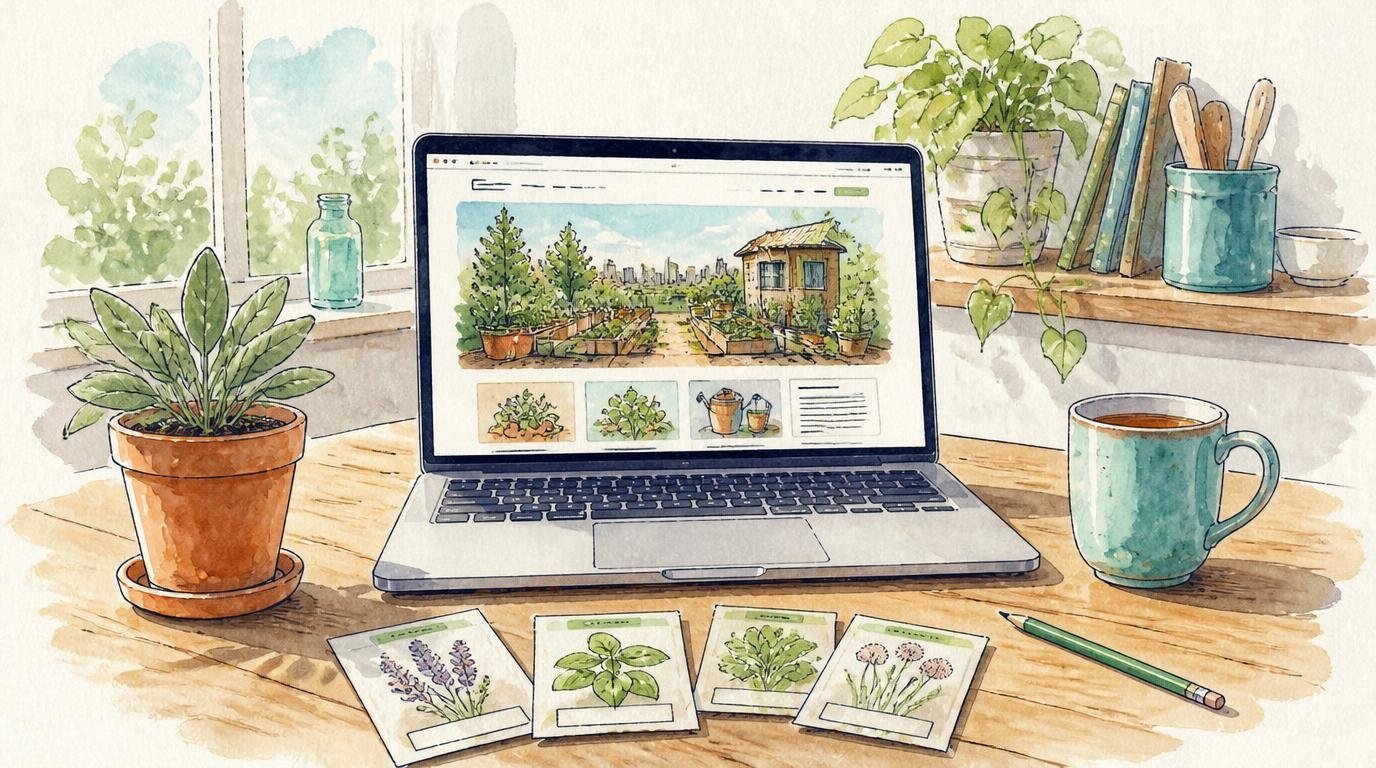 The same system has run every website I've built since 2007, including this one.
Heads-up: the Solo Build It! links on this page are affiliate links. If you sign up through one, I earn a commission at no extra cost to you. There's a plain, non-affiliate link near the bottom if you'd rather skip mine.
If you found this page from one of my garden or kitchen pages, you might wonder why a homesteading site has a website review. It's because of that little "powered by Solo Build It!" badge at the bottom of every page. It's the system behind this whole site, and behind every website I've built.
So I'll give you the same kind of review I give on rain barrels and herb pots: what I actually use, where it falls short, and who I'd tell to skip it.
From craft fairs to my first website
I started my ALC Unlimited business in 2006, selling at local events. In 2007 I started looking for a way to take my craft business online, and that's when I found SBI!.
My first website was about embroidery, a place for people who love to stitch. It was so much fun to build: monthly newsletters, reader comments, and a little online community. The best of those pages live on in the embroidery section of this site.
That same year I started a Gettysburg website that grew into a great source of income. I sold it in 2017 because I wanted to focus on homesteading and family. I also used SBI! to build and sell two other websites, and to help get Primal Knowledge started back when I worked with them.
Then I stepped back while my kids were small. I kept this site, though, because I couldn't give up SBI! once I knew what a good website could be. Now I'm rebuilding it around small-space homesteading, with a newsletter and my own digital products.
I'm sharing all that so you know where this review comes from: 20 years and several websites, not a free trial.
What "all-in-one" actually means to me
I've tried other website builders, and nothing has been as easy and complete as the SBI! block builder. By complete, I mean the things I'd otherwise have to piece together myself:
- breadcrumbs (the little "Home » Business" trail at the top of this page)
- related pages
- social media integration, like the Pinterest Save buttons on my images
- navigation options
- easy on-page forms
- pages that adapt to phones, tablets, and computers
Hosting and the technical upkeep are handled too, so my time goes into writing pages instead of fixing them. It's the same advice I give about homestead systems: start with the smallest setup that works. For a one-person website, one system beats a pile of separate tools.
The SBI! tools I actually use
These are the parts I use week to week, not everything on the feature list:
- The block builder for every page on this site.
- The image library to keep my photos organized.
- The 301 redirect library constantly while I update old pages. This page used to live at a different address, and anyone with the old link lands here.
- The forums and Tips and Techniques HQ, which have been super helpful whenever I'm stuck or want a better way to do something.
Where I use an outside tool: my newsletter
I used the SBI! newsletter for several years on my embroidery site, and it did the job. For this site I chose MailerLite for its automations and segments. The biggest differences for me are more design options for my emails and more detailed tracking data.
When it was time to connect MailerLite to my pages, I contacted SBI! support. They were prompt and helpful, and it was set up without a fuss.
That's how I think about add-ons in general: let the all-in-one system cover what it covers well. Then bring in an outside tool only when it solves a real problem for you.
The honest downsides
No platform is perfect, and 20 years gives you time to see the rough spots. These are the ones I'd want to know about:
- Tai costs extra. Tai is SBI!'s newer AI agent system. Keeping it running means paying for AI tokens on top of the subscription. For me, that's the biggest downside.
- Tai has a learning curve. It's been complicated to learn, even with the support SBI! offers. If you were hoping for something you can pick up in an afternoon, this part isn't it.
- Brainstorm It! isn't what it used to be. I relied on it for keyword research for years, and it doesn't work the same way now.
- No tables. The block builder does responsive grids, but not tables. You can insert a block of raw HTML to make one, but I don't have time for that, so I use short lists instead (which are easier to read on a phone anyway).
- It isn't free. It's a paid subscription, so it costs more than a free blog. Pricing changes, so check the current price on their site.
- It takes steady work. SBI! gives you the tools and the process, but the pages still have to be written. Nothing about it is quick money.
Who I'd tell to skip it
I'd rather you skip it than sign up and regret it. I'd look elsewhere if:
- you want income fast
- you want the cheapest or free option
- you want WordPress plugins and total design control (SiteSell has a separate SBI! for WordPress, but I haven't used it, so I can't review it)
- you mainly want to share photos with friends and family, where a free blog or social media is plenty
- you don't have room right now to learn new tools
Is Solo Build It worth it? Who it fits
For me, yes. It fits best if you're one person with a topic you know well and want a website you own for the long haul. It also helps if you'd rather have one system and a helpful community than manage a stack of tools yourself.
If you try it, take your time and follow the Action Guide, SBI!'s step-by-step plan for building your site. It works a lot like my Small-Space Self-Sufficiency Starter Map does for homesteading: one step at a time, in an order that makes sense, so you're not trying to do everything at once. Learn the block builder and the basics first, and add the newer extras only when they solve a real problem for you.
Want to take a look?
See why Solo Build It! works**
** I am affiliate, but that income is peanuts compared to what I've earned from my own business which I learned how to build with their guidance. Look, I'll even share a non-affiliate link: Why SBI! Works.
The more the merrier. I still smile when I spot another SBI! site out on the web.
Where to go next
- ALC Unlimited: the small business behind this site and my other projects.
- About me: how I went from a quarter acre inside the Baltimore Beltway to 3 acres in central Maryland, and why I write for beginners.
- Start here: if you came for homesteading, not websites, this is the best first stop. It helps you pick one small system to start with.
Solo Build It review FAQ
Is Solo Build It good for beginners?
Is Solo Build It good for beginners?
Yes, as long as you're willing to learn as you go. I started with a craft business and no web background. The block builder is the easiest builder I've used, and the forums and Tips and Techniques HQ help when you get stuck. The newer Tai system takes more effort to learn.
Do you need tech skills to use it?
Do you need tech skills to use it?
Not for the basics. I build every page here without writing code. You'd only need HTML for extras the block builder doesn't do, like tables.
Is Solo Build It the same as Site Build It?
Is Solo Build It the same as Site Build It?
Yes. It used to be called Site Build It!, and many longtime members (me included) still just say SBI!.
Can you use your own email newsletter service?
Can you use your own email newsletter service?
Yes. I used the built-in SBI! newsletter for years, then switched to MailerLite for this site because it has more design options and more detailed tracking. SBI! support helped me connect it.
Does Tai cost extra?
Does Tai cost extra?
In my experience, yes. Keeping Tai running means paying for AI tokens beyond the subscription. Check SiteSell's site for the current details, since this part is newer and may change.
Can you make tables in the block builder?
Can you make tables in the block builder?
Not directly. It does responsive grids, and you can add a raw HTML block if you want a table. I skip tables and use short lists, which read better on phones anyway.

Amy DeVries helps beginner urban homesteaders learn by doing. A lifelong gardener, she has grown food in spaces that expanded to 18 raised beds, patio containers, dwarf fruit and nut trees, and gravity-fed rainwater systems. She shares practical lessons shaped by real experience. Amy homeschools her children and teaches the same hands-on skills that guide her work.
You might like these
Water Collection for Beginners: Simple Home Systems
Start collecting rainwater at home with one barrel. Find every water collection step here, from stands and diverters to overflow, and drip watering.
Home Efficiency for Beginners: Start Small, Stay Warm
Home efficiency for beginners: small habits and removable fixes that make your home warmer and cheaper to run, even if you rent.
Urban Gardening in Small Spaces
Urban gardening in small spaces starts with the garden you can water. Find the right first page for your patio, yard, or no-outdoor-space home.



More Information
Disclosure
All information found on this website is editorial in nature and intended to motivate and inspire rather than be used as medical advice or legal advice.
As an Amazon Associate, I earn from qualifying purchases. I also use Google Ads and cookies as described in the Privacy Policy.
Thank you for your support!
By Amy DeVries, Copyright © 2011-2026 Sage-Urban-Homesteading.com All rights reserved.
